

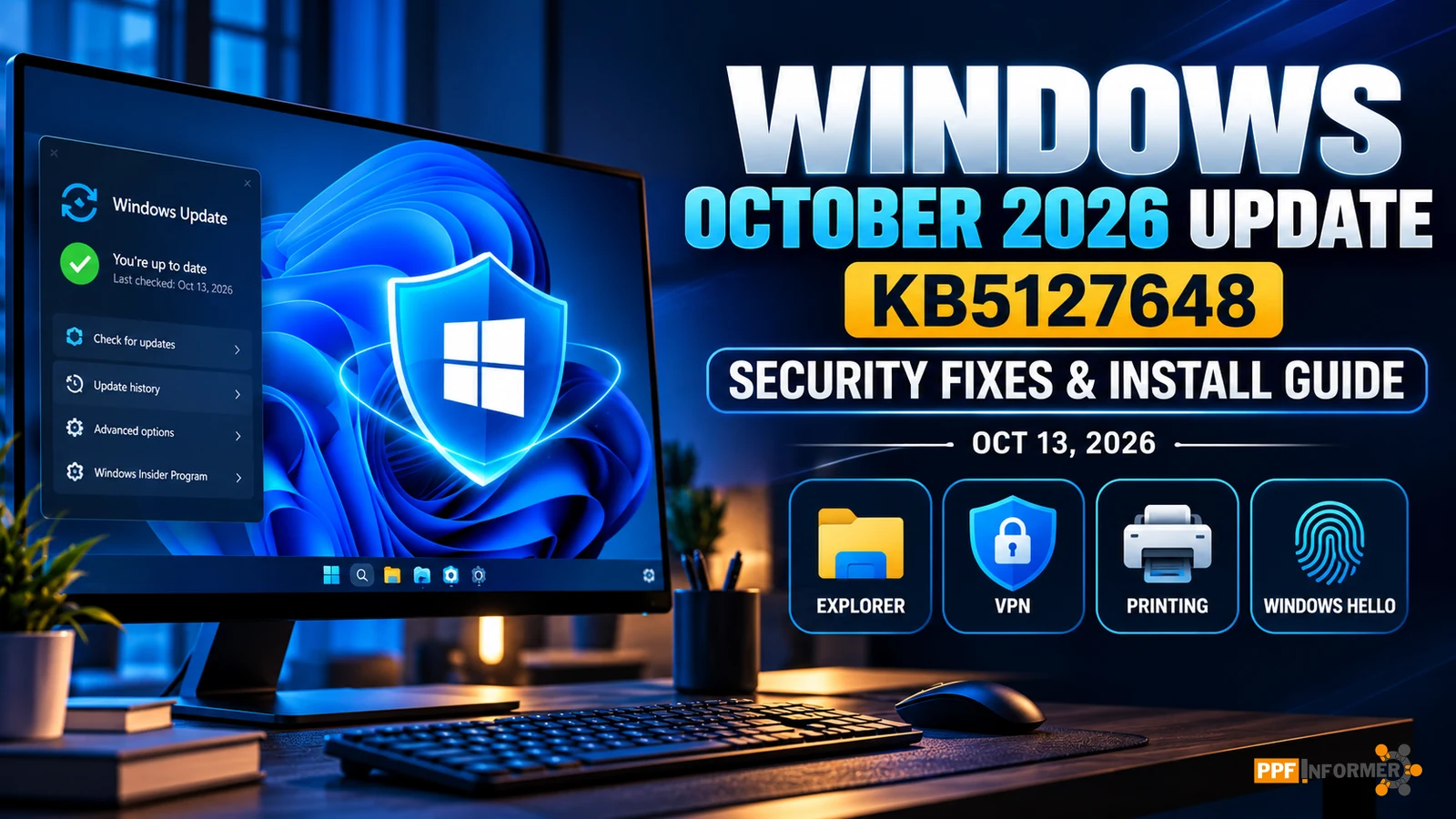
October 15, 2026 — KB5127648 is Microsoft’s October Windows security update for eligible Windows 11 devices. Microsoft’s October Windows security updates are now available, and the release matters for more than the headline vulnerability count. The October 13 cumulative update KB5127648 covers supported Windows 11 versions 24H2, 25H2 and 26H2. Microsoft says it delivers security improvements while also addressing problems involving File Explorer, audio, printing, gaming input and VPN connections. People using Windows 11 should check their exact version before installing and review any known issues relevant to their hardware.
Security researchers have described October 2026 as an unusually large Microsoft patch cycle, with reports of more than 1,400 addressed vulnerabilities. Those tallies depend on how advisories are counted. For ordinary users, the actionable information is simpler: install the appropriate cumulative update for a supported version, restart when prompted and verify that the update completed.
KB5127648: What changed in the October 2026 Windows update?
Microsoft’s October 13 release notes for KB5127648 identify fixes for several problems that can affect day-to-day computing. One addresses File Explorer failures in certain multi-user environments such as Azure Virtual Desktop and FSLogix, where Explorer could fail to launch or repeatedly crash after sign-in. Another fixes an issue with AC-3 audio playback in some applications.
The same release also addresses some Always On VPN connection failures, printing problems affecting certain RAW or Generic Text Only drivers, and mouse-input stuttering in some games. Microsoft also describes ongoing Secure Boot certificate updates and improvements to how ReFS volumes on external storage can be audited. Not every fix applies to every PC, and some affect mainly managed business systems.
Which Windows versions receive KB5127648?
Microsoft lists Windows 11 versions 24H2, 25H2 and 26H2 in the release documentation. The corresponding OS builds are 26100.9711, 26200.9711 and 26300.9711. The update applies across editions, but the support status of each edition still matters. A device can receive the final security update for a version and then stop receiving future monthly fixes unless it upgrades.
Windows 11 version 23H2 has a separate October update, KB5126653, with build 22621.7652. Microsoft says its Enterprise and Education editions reach end of updates on November 10, 2026. Readers should not assume that one KB number applies to all Windows installations. Windows Update normally selects the correct package based on the device’s installed version and eligibility.
Is Windows 11 24H2 still supported?
Microsoft notes that this was the final regular security update for Windows 11 24H2 Home and Pro, which reached the end of updates with the October 2026 monthly release. That makes October’s security update especially important as a final servicing milestone, but it does not extend future support. Users of those editions should plan to move to a supported version rather than treating one successful update as permanent protection.
Edition is important. Enterprise and Education support schedules can differ from Home and Pro. To check your device, open Settings, choose System, then About, and look under Windows specifications. Note the edition, version and OS build. If you manage several computers, record the information for each one before making changes.
How do I install the October update safely?
On a personal Windows 11 PC, open Settings → Windows Update → Check for updates. Install KB5127648 if Windows Update offers it for your eligible version, and restart if Windows requests it. Keep the laptop plugged in, save your work and allow enough time for the restart. Afterward, return to Windows Update and inspect update history to confirm the installation.
Business administrators should follow their organization’s update policies and deployment tools rather than installing packages outside the managed process. Microsoft supports deployment through Windows Update for Business and Windows Server Update Services, among other channels. If an update is not offered, check the machine’s version, device compatibility and any servicing hold instead of downloading a random installer from an unfamiliar website.
What if a Windows update fails?
First note the error code and confirm that the device has sufficient free storage. Restart the PC and try Windows Update again. If installation fails again, consult Microsoft’s update history and release health pages for known issues. Avoid repeatedly forcing installation on a business-critical computer without a backup or recovery plan.
For advanced users, Microsoft’s release notes describe standalone packages in the Microsoft Update Catalog, including checkpoint cumulative updates that may need to be installed in a specified order. These instructions differ by architecture and are not necessary for most home users. Installing the wrong package or skipping a required checkpoint can create problems, so use the documentation for the exact build.
What are the security risks if I delay?
Security updates close vulnerabilities that may allow unauthorized access, data theft or other unwanted behavior. The seriousness of an individual vulnerability depends on factors such as whether it is remotely reachable, whether exploitation has been observed and which products are affected. A large total count does not mean every Windows PC has 1,400 equally exploitable holes.
For organizations, prioritization should be risk-based: identify exposed systems, check Microsoft’s Security Update Guide and deploy relevant patches through a tested process. For home users, enabling automatic updates and installing them promptly is generally more useful than trying to rank individual CVEs without the technical context. Continue using multifactor authentication, reliable backups and caution with unexpected downloads.
What should gamers and people with audio problems know?
Microsoft’s documentation specifically lists a fix for mouse-input stutter in some games and a fix for AC-3 playback problems. If you experienced one of those symptoms after a previous update, the October release may help. But it is not a guarantee for every gaming or sound issue: device drivers, applications and hardware can cause similar symptoms. Check whether the issue changes after the update before attributing it to the operating system.
Microsoft also lists a known issue affecting some USB Audio Class 1.0 devices. Its documentation says a September out-of-band update partly addressed the problem and that work on remaining symptoms continues. Readers using specialized USB audio hardware should review the current known-issues section rather than assuming the October update fixes every audio device.
What is confirmed, and what needs caution?
Confirmed: Microsoft released the cumulative update on October 13, published supported versions and build numbers, and documented the fixes and known issues described above. It also released a separate 23H2 update. Still variable: the precise number of vulnerabilities reported by third-party trackers, which PCs will encounter particular known issues and how quickly each managed organization deploys the patches.
It is reasonable to expect security updates to reduce exposure to known flaws, but no update guarantees a computer cannot be compromised. Device health, account protection, software support and safe browsing habits remain important.
Bottom line
KB5127648 and other October Windows updates combine security fixes with practical reliability changes. See our guide to Windows 11 24H2 end of support if you use Home or Pro. Install the update that Windows offers for your supported version, confirm the restart and check your edition’s support deadline. If you use 24H2 Home or Pro, plan an upgrade rather than relying on the final October servicing release indefinitely.
Official sources
Microsoft KB5127648 release notes; Microsoft KB5126653 release notes; Microsoft Security Update Guide.